ZFS boot on root setup for a USB SSD
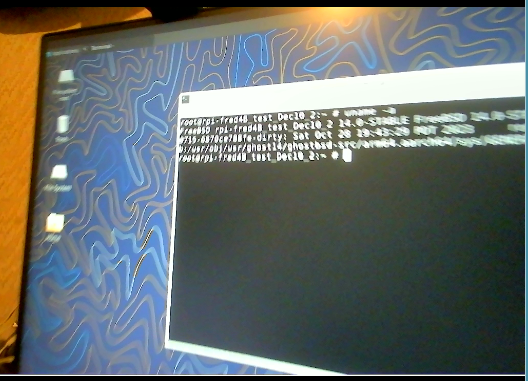
ZFS boot on root setup for a USB SSD http://ghostbsdarm64.hopto.org/packages/ Where to find files ? Here use this link. http://ghostbsdarm64.hopto.org/packages/gh14_Dec30_arm64_create_disk.tar.gz Download this file to a working directory on your GhostBSD live media or a working FreeBSD machine. xz --decompress --keep gh14_Dec30_arm64_create_disk.tar.gz Use the file dd_ghost14.sh shell script to 'dd' write the image file: http://ghostbsdarm64.hopto.org/packages/Ghost14_5g_selfbuilt_raspi4b_Jan22_0.img.xz Ghost14_5g_selfbuilt_raspi4b_Jan22_0.img file into a USB flash drive /dev/da1 Shell scripts to create the USB SSD, and the captured output listings It is hard to remember the details of creating a partition without a tested script. Also look at a PuppyLinux_or_PCBSD blog post on reading about ZFS create: http://puppylinux-or-pcbsd.blogspot.com/2023/03/zpool-create-zfs-create-how-to-use-disk.html https://www.reddit.com/r/freebsd/co...